
Smart Plug Energy Monitor
Best for: Best for genuinely accurate per-appliance energy monitoring and home automation at a low price — expect some WiFi/outlet-position trial and error, and check current firmware if you need local scripting access.
How we pick: we feature gadgets we’ve actually used or tested, score them honestly, and only recommend the ones that earn it. We may earn from qualifying Amazon purchases.
TidyHacks verdict
Watch it in action
Our review
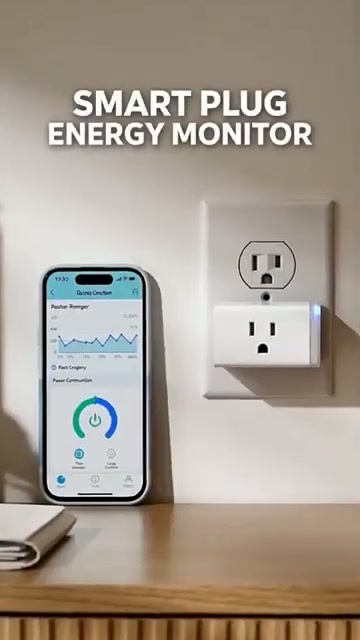
A genuine energy-monitoring smart plug for $16 is hard to beat, and the Kasa KP115 backs it up with real precision — one reviewer who compared it to a dedicated Kill-A-Watt meter found the Kasa's readings actually more precise. At 4.5 stars from nearly 18,000 ratings, it's built a strong reputation with home-automation enthusiasts, not just casual buyers.
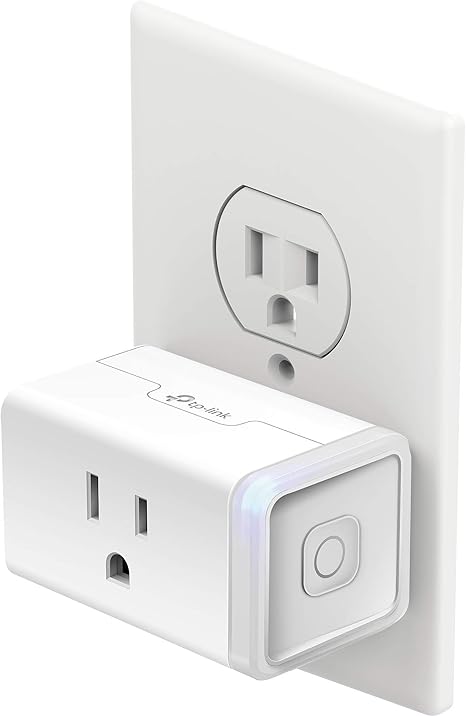
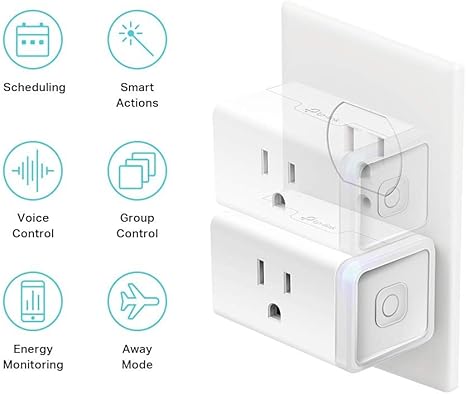
The compact 'mini' design doesn't block the second socket on a duplex outlet, the bi-stable switch holds its on/off state through a power cut, and the energy total survives a power loss rather than resetting. Reviewers use it for genuinely practical automation — cutting power to a dehumidifier before a freeze, automating an irrigation valve, monitoring a small solar setup from 60 feet away — and it supports local network control via TP-Link's protocol for the privacy-conscious. Two real niggles: performance is sensitive to WiFi signal and even which outlet you use (one 'faulty' unit worked perfectly moved to another socket); and a recent firmware update removed the local API some users relied on for scripting, so check current behaviour if that matters. Resetting the cumulative total also isn't in the main app. For voice control, scheduling and genuinely accurate energy monitoring at this price, it remains a clear favourite.
More photos & videos

👍 Pros
- Energy readings reported more precise than a dedicated Kill-A-Watt meter
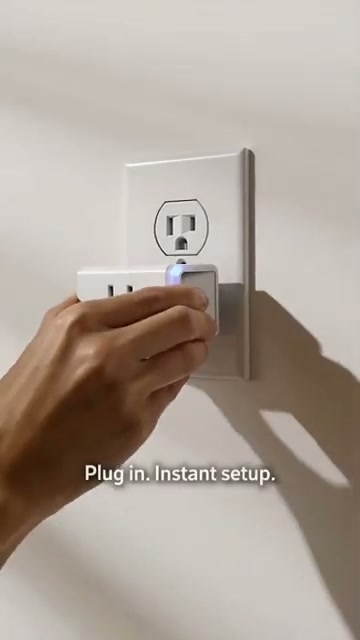
- Compact mini design doesn't block the second socket on a duplex outlet
- Bi-stable switch and energy total both survive a power cut
- Supports local network control via TP-Link's protocol, not just cloud
- Used for real automation — dehumidifiers, irrigation, solar monitoring
👎 Cons
- Sensitive to WiFi signal and even which outlet you use
- A firmware update removed local API access some relied on for scripting
- Resetting the cumulative energy total needs a third-party app
- Local/third-party integrations still require a Kasa account first
Specifications
| Brand | Kasa Smart (TP-Link), model KP115 |
|---|---|
| Rating | 15A, 120V |
| Material | Metal, fireproof shell, sliding child-safety cover |
| Connectivity | 2.4GHz WiFi only, no hub required |
| Control | Kasa app, Alexa, Google Home, local network protocol |
| Monitoring | Real-time + historical energy usage, survives power loss |
| Price | $15.99 |
FAQ
Is the energy monitoring accurate?
Reviewers report it as genuinely precise, with one detailed comparison finding it more accurate than a dedicated Kill-A-Watt meter.
Will it work without internet access?
Mostly yes for on/off control via TP-Link's local protocol, though scheduling needs an internet connection to set the device's clock initially.
Can I control it with my own scripts?
A recent firmware update removed local API access some users relied on for this — check current firmware behaviour before depending on it.
Why does it work in one outlet but not another?
WiFi signal strength varies a lot by outlet location — several reviewers found moving the plug or adding a router fixed connectivity issues.
More Tech & Smart Home reviews
Get the best Amazon finds each week
One short email. New reviews, viral finds and the odd deal. No spam.